
Table of Contents
- The short answer: which platform wins for small business?
- Side-by-side comparison table: WordPress vs Wix vs Squarespace
- WordPress: the growth platform (pros and cons)
- Wix: the fast, easy start (pros and cons)
- Squarespace: the design-first option (pros and cons)
- SEO control: where WordPress pulls ahead
- The true cost: year one vs. year three
- What we recommend for Albuquerque small businesses
- Frequently asked questions
The Short Answer: Which Platform Wins for a Small Business?
If your website is mostly a digital business card — services, phone number, a few photos — any of these three can work. But if you want your website to bring you customers (ranking on Google, capturing leads, growing with you for years), WordPress is the strongest choice for most small businesses.
The numbers back it up. As of October 2026, WordPress powers 40.2% of all websites and holds 58.7% of the CMS market (W3Techs, 2026). Wix runs about 4.2% of all websites, and Squarespace about 2.4% (W3Techs, 2026). No other platform is close. Below: each platform’s real pros, cons, and pricing — and what they mean for an Albuquerque business that needs the phone to ring.
Side-by-Side Comparison: WordPress vs Wix vs Squarespace
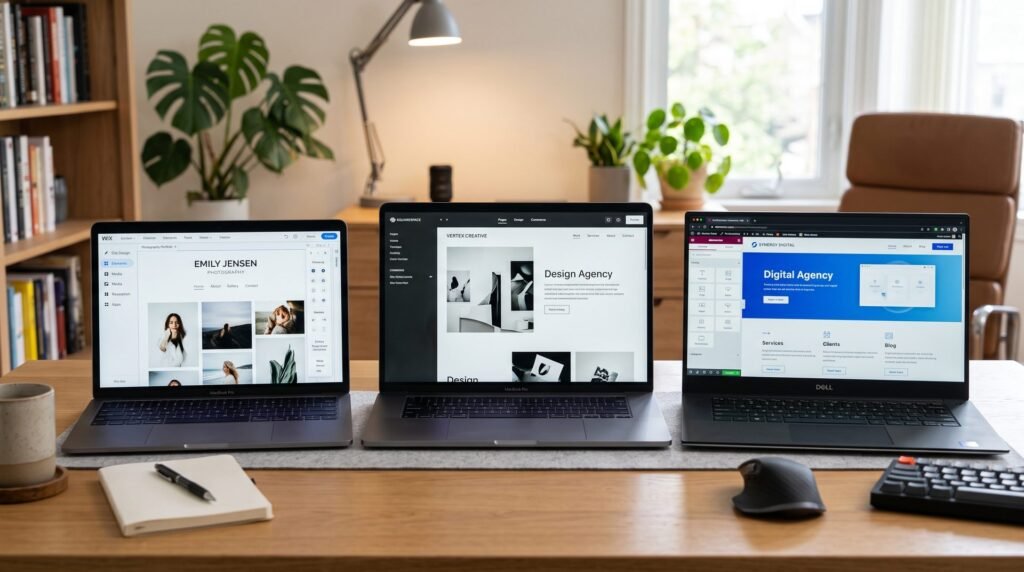
| WordPress | Wix | Squarespace | |
|---|---|---|---|
| Cost | Software is free; typical small-business cost is hosting plus maintenance, roughly $15–$100+/month | $17–$159/month on annual billing: Light $17, Core $29, Business $39, Business Elite $159 (Optimum7, 2026, citing Wix’s pricing page) | $16–$49/month on annual billing: Personal $16, Business $23, Commerce Basic $27, Commerce Advanced $49 (Vendr, 2026, citing Squarespace’s published pricing) |
| SEO control | Full control: edit everything from meta tags and schema markup to redirects, site speed, and hosting-level performance | Good basics (titles, meta descriptions, sitemaps); limited control over technical SEO and site speed | Good basics; weaker on technical SEO — an average SEO score of just 40.5/100 in one platform study, with 66.4% of sites missing alt text (SEOSpace, via Colorlib, 2026) |
| Ownership | You own your site completely. Move hosts, hire any developer, keep your files and database forever | You rent your site. You cannot move it off Wix or take your content with full fidelity if you leave | You rent your site. Same lock-in: cancel and your website is gone |
| Scalability | Unlimited: tens of thousands of plugins, custom development, multi-location SEO, e-commerce, memberships | Limited: you are constrained by what Wix’s App Market and plan tiers allow | Limited: no real plugin ecosystem; complex features hit walls quickly |
| Best for | Businesses that want to grow: lead generation, local SEO, content marketing | Simple sites you want live this week with minimal fuss | Creatives, photographers, design-led brands prioritizing aesthetics |
WordPress: The Growth Platform
WordPress is open-source software that runs roughly 68.5% of all CMS-based sites (W3Techs, 2026) — which means more developers, more plugins, more tutorials, and more battle-tested SEO strategies exist for WordPress than for anything else.
Where WordPress wins
- Total ownership. You own your files, your database, and your domain. If your hosting company raises prices or a developer disappears, you simply move — an asset, not a monthly rental.
- Unmatched extendability. The official plugin directory has been analyzed at 57,383 plugins (WP Goldmine, via The WP Weekly, 2026). Booking systems, quote calculators, review widgets, multi-location SEO — if a business needs it, a WordPress solution exists.
- Deep SEO control. Plugins like Rank Math and Yoast give you page-level control over titles, meta descriptions, schema markup, redirects, and internal linking — plus hosting-level speed optimization that closed platforms cannot match.
- Scales from startup to enterprise. The same platform runs solo plumber websites and major publishers. You will never outgrow it.
Where WordPress demands respect
- You own the maintenance. Updates, backups, and security are your responsibility (or your developer’s). Because WordPress is so popular, it is heavily targeted: Patchstack reported 11,334 WordPress vulnerabilities discovered in 2025 (via Colorlib, 2026). Almost all are plugin-level and neutralized by timely updates — but “set it and forget it” is not an option.
- More decisions up front. Hosting, theme, plugins — there are choices to make. That is where professionals like our WordPress development services pay for themselves.
Wix: The Fast, Easy Start
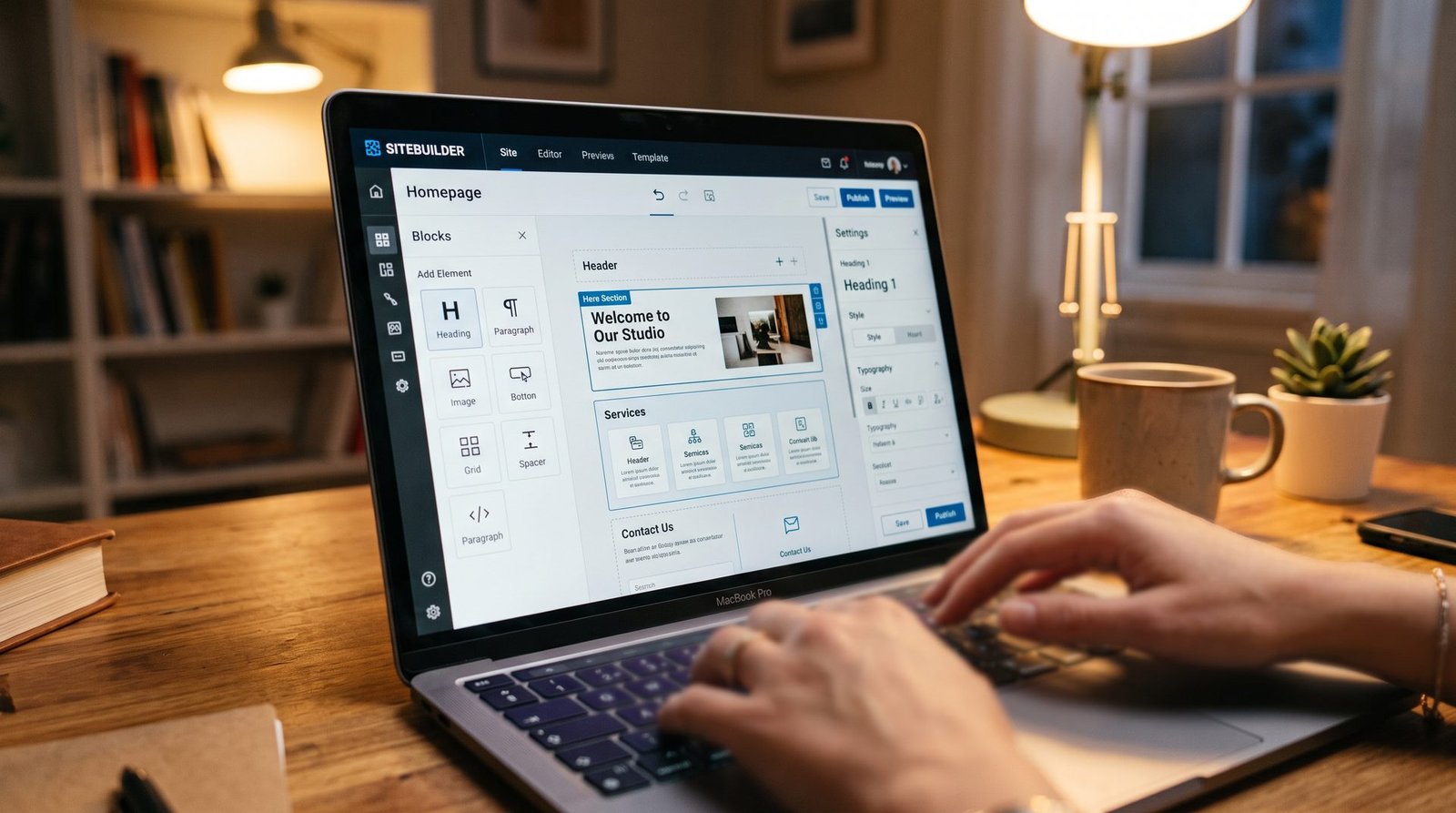
Wix is a hosted website builder that bundles hosting, security, templates, and an editor into one monthly subscription. It is genuinely easy to use, and for a simple informational site, you can be live in a weekend.
Where Wix wins
- Speed to launch. Drag-and-drop editing with no technical knowledge required. Hosting, SSL, and updates are all handled for you.
- Predictable billing. One bill covers hosting, security, updates, and the builder. In August 2026, premium plans ran $17 to $159 per month on annual billing (Optimum7, 2026, citing Wix’s own pricing page): Light at $17, Core at $29, Business at $39, and Business Elite at $159. Accepting payments requires the Core plan or higher.
- Decent built-in SEO basics: titles, meta descriptions, sitemaps, and clean URLs. Enough to rank for low-competition keywords.
Where Wix holds you back
- You rent, never own. You cannot move a Wix site to another host. If you ever outgrow Wix, you rebuild from scratch — and migration rebuilds are among the most expensive website projects there are.
- SEO ceiling. Technical SEO control is limited: no server-level speed optimization, limited schema and redirect control, and you are stuck with Wix’s hosting performance.
- The price ladder climbs. Features growing businesses consider routine — more storage, more collaborators, advanced marketing tools — each sit one tier higher. Over three years the “cheap website” math stops looking cheap, and unlike WordPress you have built no transferable asset (Optimum7, 2026).
Squarespace: The Design-First Option
Squarespace is known for beautiful templates, and the reputation is earned — its design quality is consistently rated the highest among major website builders, a favorite of photographers, artists, and restaurants (Colorlib, 2026).
Where Squarespace wins
- Beautiful out of the box. The templates are polished and cohesive. If visual presentation is your primary marketing tool — portfolios, galleries, menus — Squarespace shines.
- Simple, all-in-one pricing. As of February 2026: $16 to $49 per month on annual billing — Personal $16, Business $23, Commerce Basic $27, Commerce Advanced $49 (Vendr, 2026). Every plan includes hosting, SSL, and templates.
Where Squarespace holds you back
- SEO is a documented weak point. Built-in tools cover the basics, but advanced schema markup control, redirect management, and technical SEO depth are limited. One platform study found an average SEO score of 40.5/100, with 66.4% of sites missing alt text (SEOSpace, via Colorlib, 2026).
- No plugin ecosystem. There is nothing like WordPress’s 57,000-plus plugins. When you need a custom booking flow, a service-area quote tool, or advanced local SEO features, you hit walls fast.
- Same rental model. Cancel your subscription and your website disappears. No portability, no asset.
Want an honest, platform-neutral answer for YOUR business?
Free 10-minute website audit: tell us about your business and we will show you which platform fits your goals — and what your current site costs you in missed calls. Get your free 10-minute website audit. Prefer to talk? Call +1 505-539-3288.
SEO Control: Where WordPress Pulls Ahead
For a local service business, the platform SEO question is really one question: can the platform do everything Google rewards? WordPress can — page speed at the hosting level, advanced schema markup (LocalBusiness, FAQ, reviews), granular redirect management, content silos for service areas, Core Web Vitals tuning. That is why agencies that live and die by rankings overwhelmingly build on WordPress.
Wix and Squarespace cover the fundamentals: editable titles, meta descriptions, alt text, clean URLs, automatic sitemaps. Enough for some businesses — but when you compete for “roofer Albuquerque” or “emergency plumber near me” against companies with years of SEO behind them, the basics are not enough, and on a closed platform you cannot add what is missing. If you are evaluating an SEO company right now, ask whether your platform limits what they can do. The answer is often revealing.
The True Cost: Year One vs. Year Three
Wix and Squarespace look cheaper in month one because the price is a single number. WordPress looks pricier because costs are itemized: hosting, build, maintenance.
Run the math over a realistic ownership window and the picture flips. Three years on Wix’s Core plan is $1,044 in subscription fees alone; three years on Business Elite is $5,724 — and at the end you own nothing portable (Optimum7, 2026). A comparable three-year WordPress spend buys hosting, professional maintenance, and a site you can move or rebuild anywhere. One is rent. The other is an asset.
There is also a hidden cost no pricing table shows: migration. Businesses that start on Wix or Squarespace and later need real SEO or custom functionality usually rebuild on WordPress anyway — paying for a website twice. Starting on the right platform is the cheapest option. A conversion-first website design approach on WordPress means the site is built to convert visitors into calls from day one.
What We Recommend for Albuquerque Small Businesses
Our guidance for local service businesses is simple:
- Choose Squarespace if you are a photographer, artist, or creative whose website is a portfolio first and a lead generator second.
- Choose Wix if you need something simple live this week, you have almost no budget, and you accept that you will likely rebuild in two to three years.
- Choose WordPress if you want your website to generate calls, rank on Google, and grow with your business for the next decade. For contractors, roofers, HVAC companies, plumbers, dentists, and lawyers in the Albuquerque market, this is the right answer in the large majority of cases.

Frequently Asked Questions
Is WordPress better than Wix for a small business website?
For most small businesses that want to grow, yes. WordPress offers full ownership, deeper SEO control, and unlimited scalability through its 57,000-plus plugin ecosystem (WP Goldmine, via The WP Weekly, 2026). Wix is easier to start with, but you rent your site and hit SEO and functionality ceilings as you grow.
Can a Wix or Squarespace website rank on Google?
Yes — both handle SEO basics like titles, meta descriptions, and sitemaps, and can rank for low-competition keywords. The problem is competitive local searches, where technical SEO depth, speed control, and advanced schema give WordPress sites a structural advantage closed platforms cannot match.
How much does a WordPress website cost compared to Wix?
WordPress software itself is free. A typical small-business WordPress site costs roughly $15–$100+ per month for hosting and maintenance, plus a one-time build. Wix runs $17–$159/month and Squarespace $16–$49/month (2026 pricing). Over three years, WordPress usually costs about the same or less — and you own the result.
Can I switch from Wix or Squarespace to WordPress later?
Yes, but it is a rebuild, not a transfer — design, functionality, and much of your SEO setup must be recreated, and URL changes need careful redirect mapping to protect rankings. It is one of the most common and most expensive website projects we see. Starting on WordPress avoids paying for a website twice.
Is WordPress hard to use for a non-technical business owner?
Modern WordPress with a visual builder is straightforward for day-to-day tasks like editing text, swapping photos, and publishing posts. The technical side — updates, backups, security — is what a maintenance plan or agency handles for you.
Which platform is best for local SEO in Albuquerque?
WordPress, because competitive local SEO demands technical control: location page architecture, LocalBusiness schema, review integration, and speed optimization. These are fully accessible on WordPress and partially or fully locked on Wix and Squarespace.
Ready to Build on the Right Foundation?
Whether you are starting fresh or migrating off Wix or Squarespace, start with facts. Our free 10-minute website audit shows where your current site stands and what it takes to turn it into a lead-generating asset. Get your free 10-minute website audit. Or skip the form and contact our Albuquerque team — Call +1 505-539-3288.